Create QR codes in React.js
QR codes are an essential part of the first MVP for my side project.
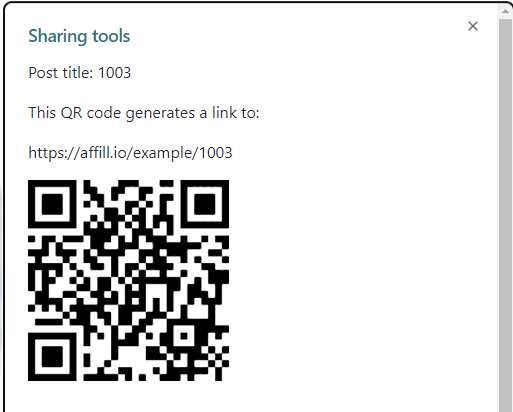
My customers can create QR codes to link back to their profiles, embedding the image in their SoMe posts or videos.
The project is made in next.js so I went for the react-qr-code library.
You just have to give the QRCode component a string value with the info for the QR code, and most of the props are optional.
But you can change the colors, size and complexity for the QR code.
The level is different variants of error checking, so when you use a smaller QR code image it might be best to go for the largest “L” level, and move towards the “M” level the larger the image you create.
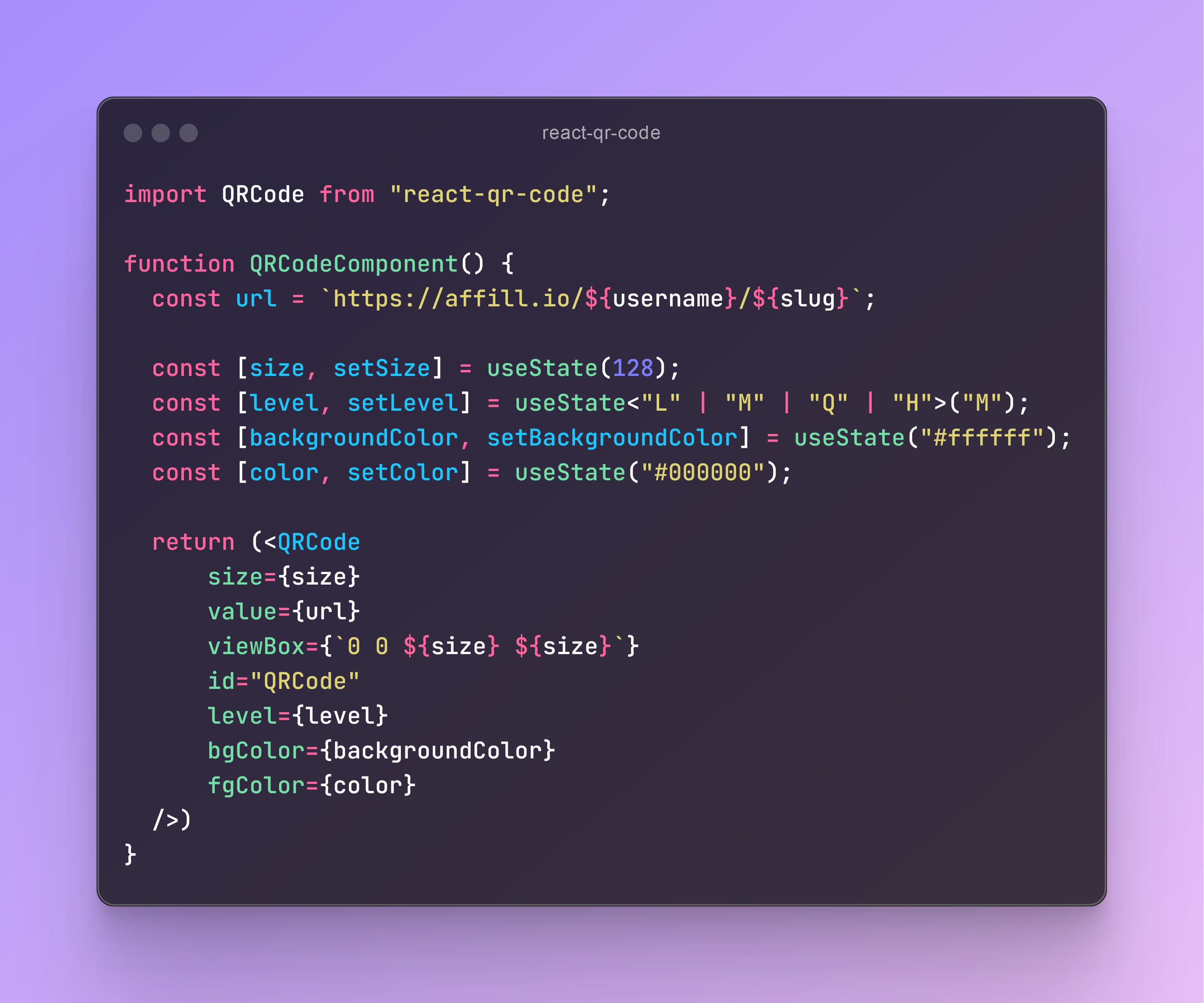
import QRCode from "react-qr-code";

function QRCodeComponent() {
  const url = `https://affill.io/${username}/${slug}`;

  const [size, setSize] = useState(128);
  const [level, setLevel] = useState<"L" | "M" | "Q" | "H">("M");
  const [backgroundColor, setBackgroundColor] = useState("#ffffff");
  const [color, setColor] = useState("#000000");

  return (<QRCode
      size={size}
      value={url}
      viewBox={`0 0 ${size} ${size}`}
      id="QRCode"
      level={level}
      bgColor={backgroundColor}
      fgColor={color}
  />)
}